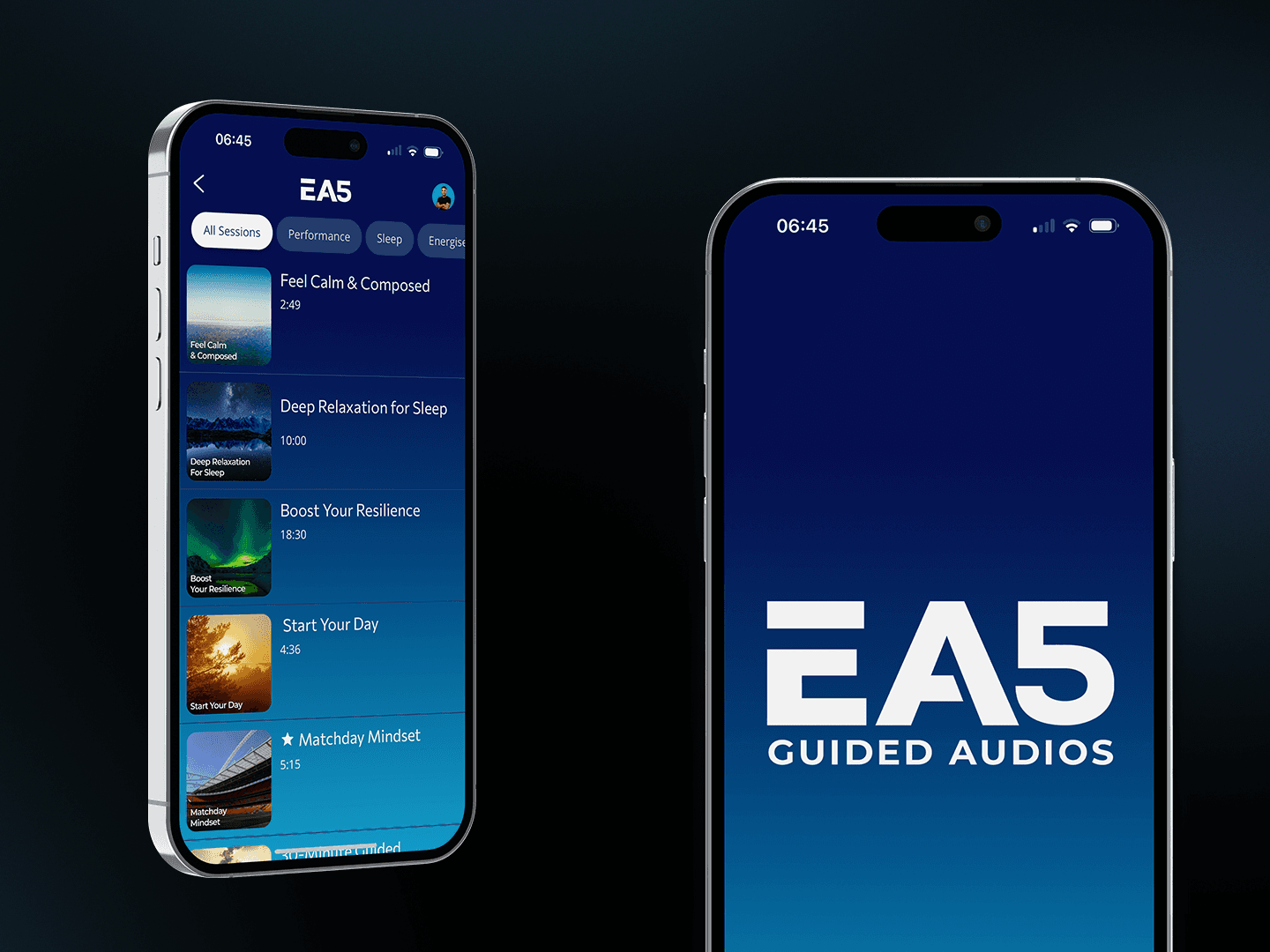
The EA5 app is designed to be simple and easy to use, so you can quickly find an audio and start listening when you need it.
Getting started
When you open the app, you’ll see a range of guided audio sessions ready to explore.
There’s no setup required. Simply choose a session that fits your current situation and press play.
Playing a session
Tap on any audio to open it, then press play to begin.
You can pause, skip, or replay the session at any time using the controls on screen.
Saving your favourite sessions
When you open a session, tap the three dots in the top right corner.
From here, you can bookmark or favourite the audio. This makes it easy to return to sessions you use regularly.
Your saved sessions will be available directly from the home screen.
Favouriting a session also allows it to be downloaded, so you can listen offline whenever you need it.
Browsing sessions
Sessions are organised into different categories to help you find what you need.
You can explore based on:
Time of day (e.g. morning or evening)
Your current mood or situation
This makes it easier to choose an audio that fits the moment.
Sharing feedback
You can leave feedback at any time through the settings section in the app.
This helps us continue to improve the experience and develop new sessions.
Getting the most out of the app
There are a number of ways to enhance your experience with EA5 Guided Audios.
Written journal reflections - taking time to write down your thoughts after listening can help you process and apply what comes up (lea
Group discussions - sharing reflections with others can deepen understanding and create new perspectives
EA5 Support - ongoing guidance can help you build a consistent rhythm and get more from each session
You can learn more about each of these in this article here.